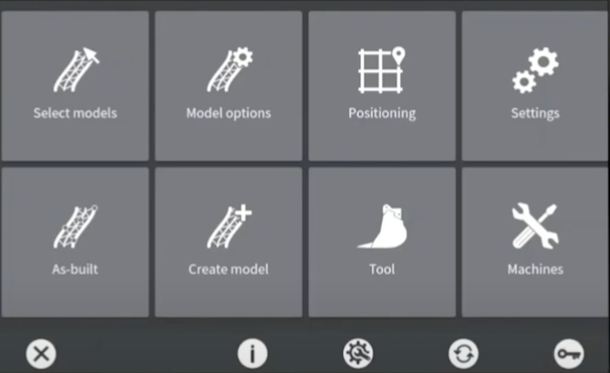
Main menu - Positioning
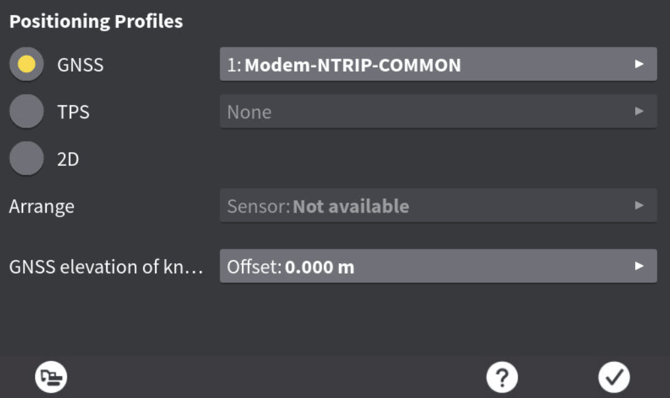
- There may already be a profile created- if not you can add a profile here
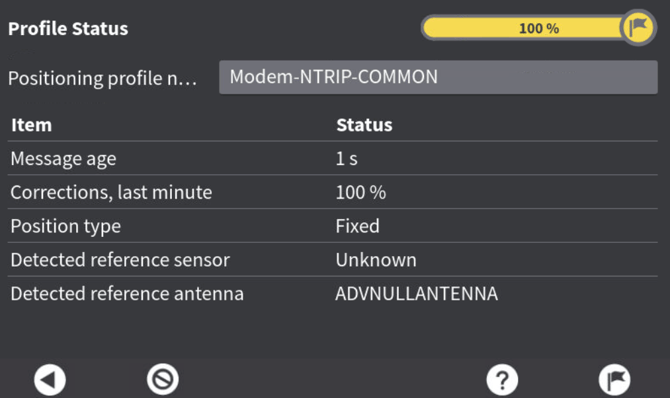
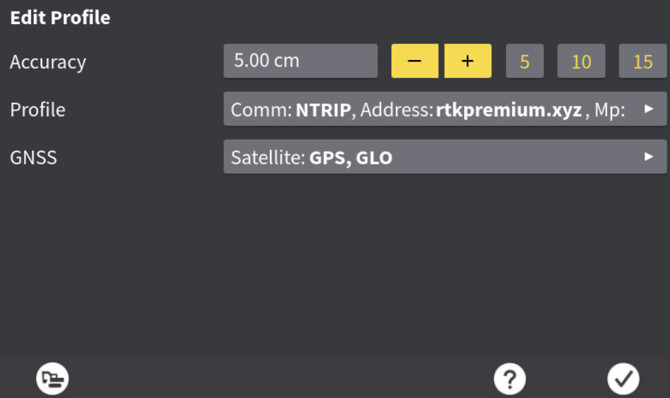
- Enter the positioning profile- you can also see number of satellites connected on this page too, and increase accuracy threshold
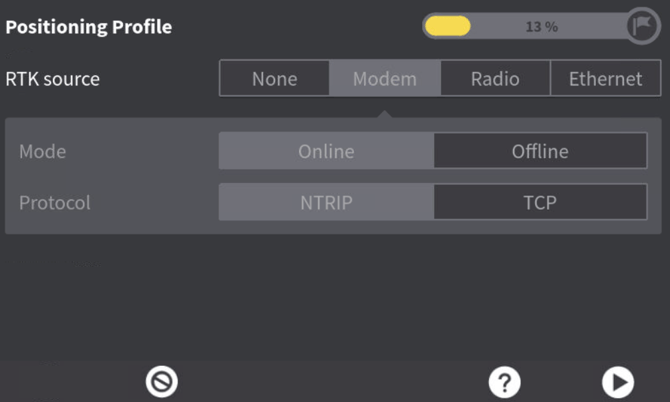
3. Ensure modem is selected
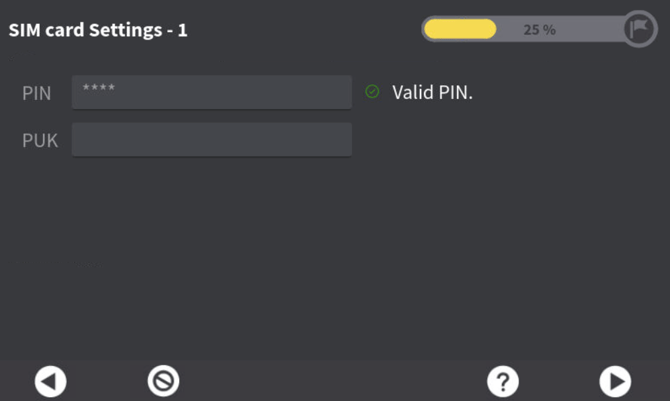
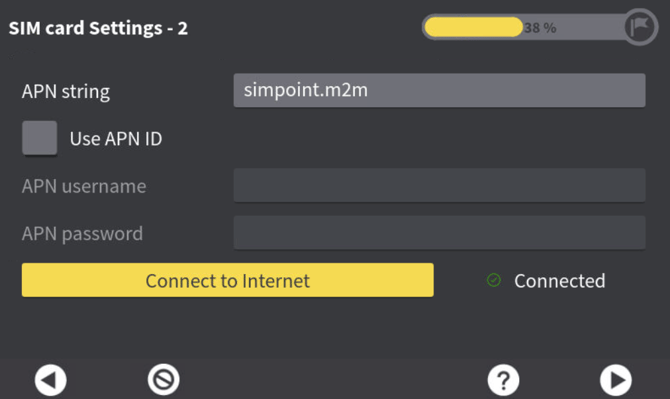
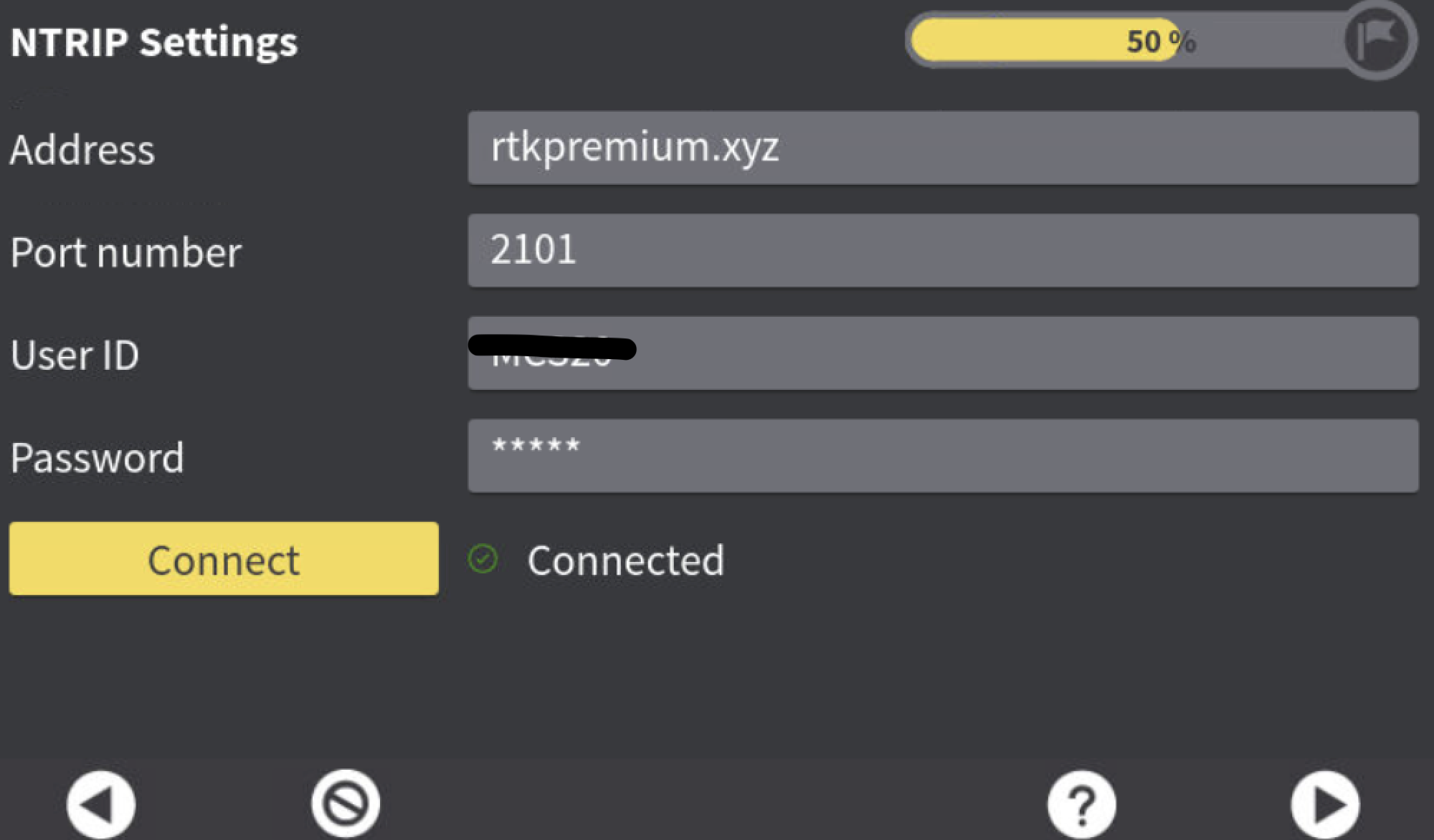
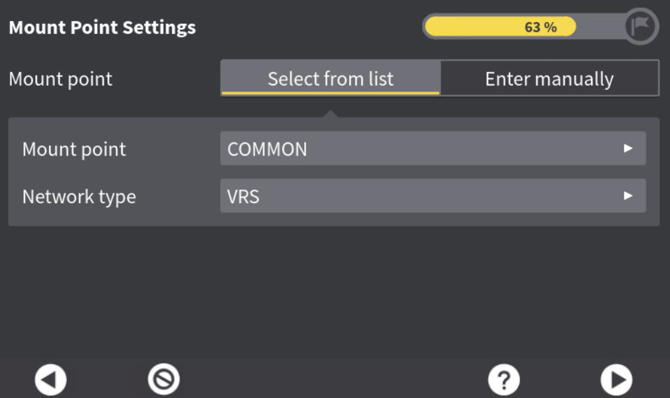
7. If the connection is successful it will allow you to go to next page and select the mountpoint ‘COMMON’, network type can be MAX, IMAX or VRS.
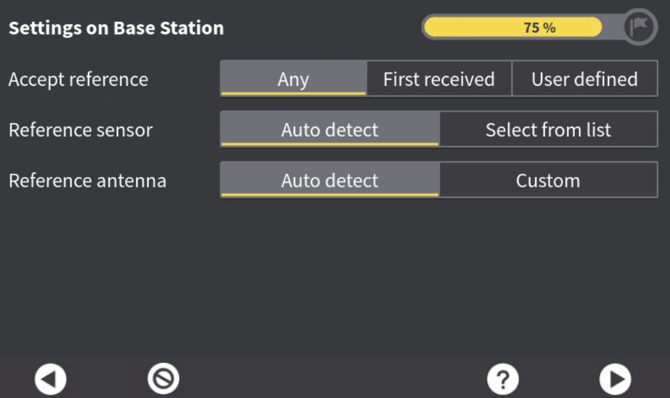
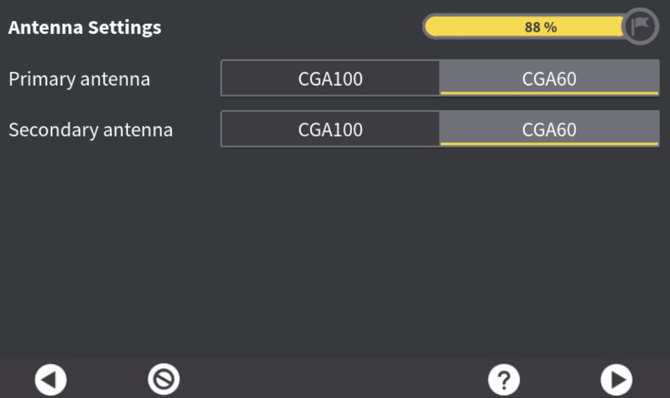
9. The operator should know what antennas are on the machine. If unsure, get them to check. If in doubt- it does not make a huge difference.